
How to start K2.
The Launcher application will appear on your desktop as a shortcut.
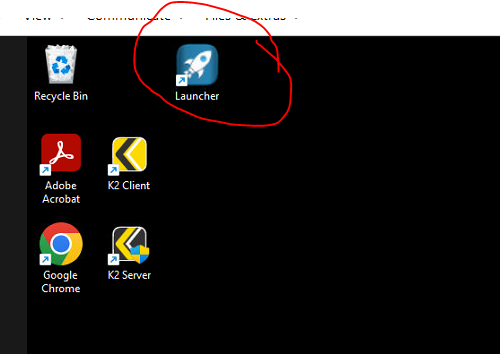
To Start K2, just double-click it. A properly installed K2 will have this on the Desktop.
Configure the Launcher.
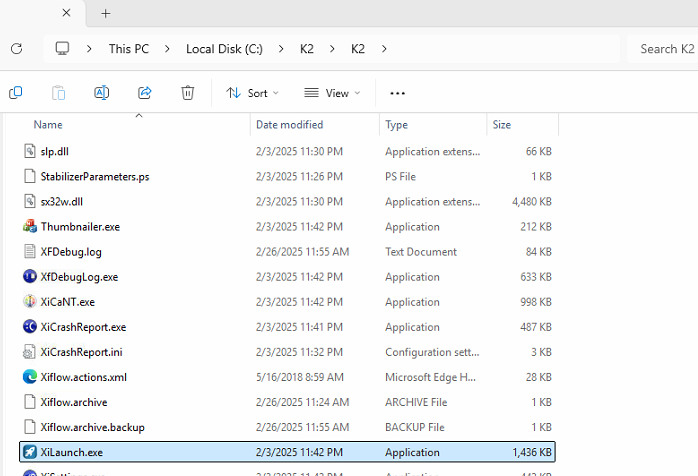
If it isn't on your desktop, it can be found at The launcher is at "C:\K2\K2\XiLaunch.exe"
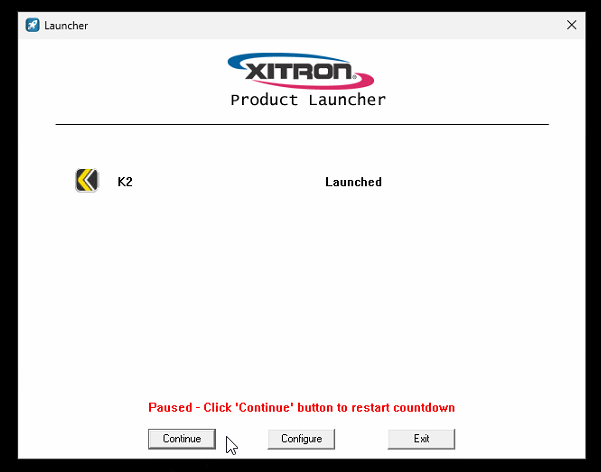
When you open it it will launch any programs in it's list, with delays for each.
If you want to configure it, hit the pause button.
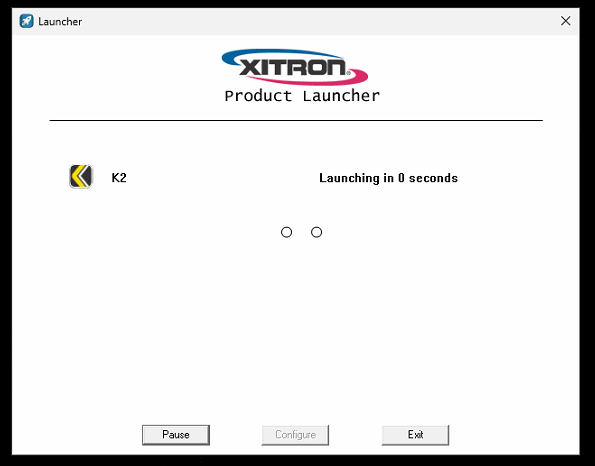
That will allow you to click the Configure button.
Which brings you to this window.
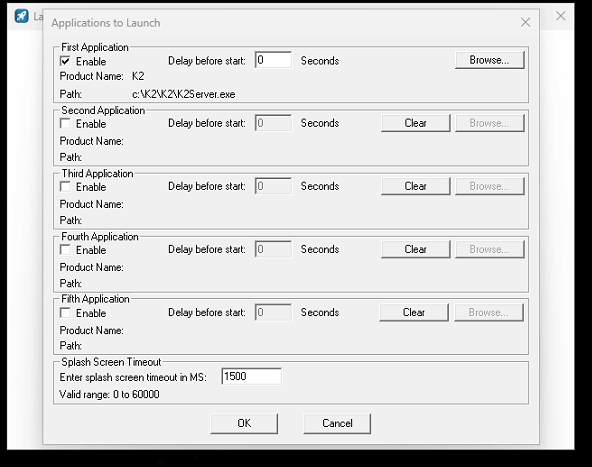
Add any applications you would like to launch together with K2 and add any delay you think is appropriate.
Here I have added K2 Client and given a 10 second delay so that the Server has time to launch and get to the point where it can accept Client logins.
If you are never using the Client on the K2 computer, you might want to delete it from the Launcher so it doesn't consume a license.
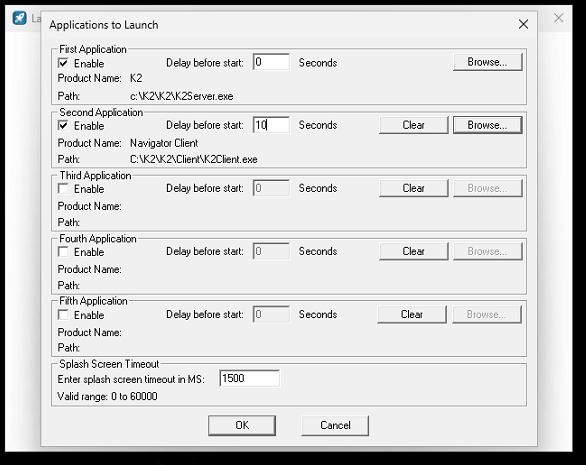
You can use the launcher to launch up to 5 applications if you choose.