Why Archive?
If you have repeat work, an archive keeps all of the components you spent time setting up, ready for repeated output. Just restore and print. If you need to make a few changes, do that. If you have a job that repeats but some of the actual pages change from month to month, just change those out. Archiving repeat work saves steps and saves time.
Archive a Project
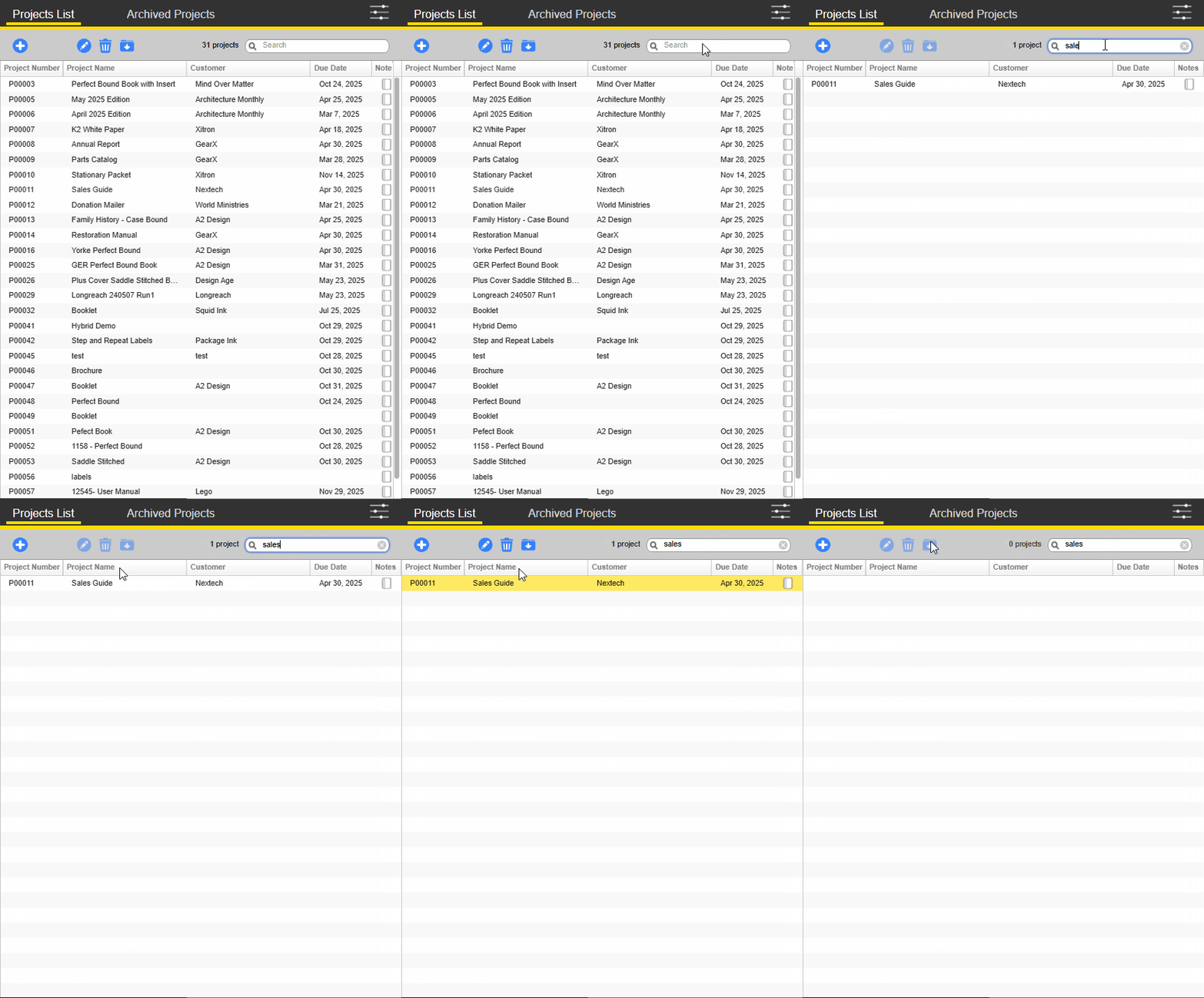
Projects and their accompanying job components can be archived after production is completed. Simply highlight the job that you wish to archive and click the archive button. The project will then be removed from the project list and available in the Archived Projects tab.
Restore Project from Archive
An archived project can be restored back to the project list easily. From the Archive Projects tab, highlight the archived project and click the restore archive button. The project and all of the job components will be restored to the project list.