Activating a new LDK key
1. Click Start.

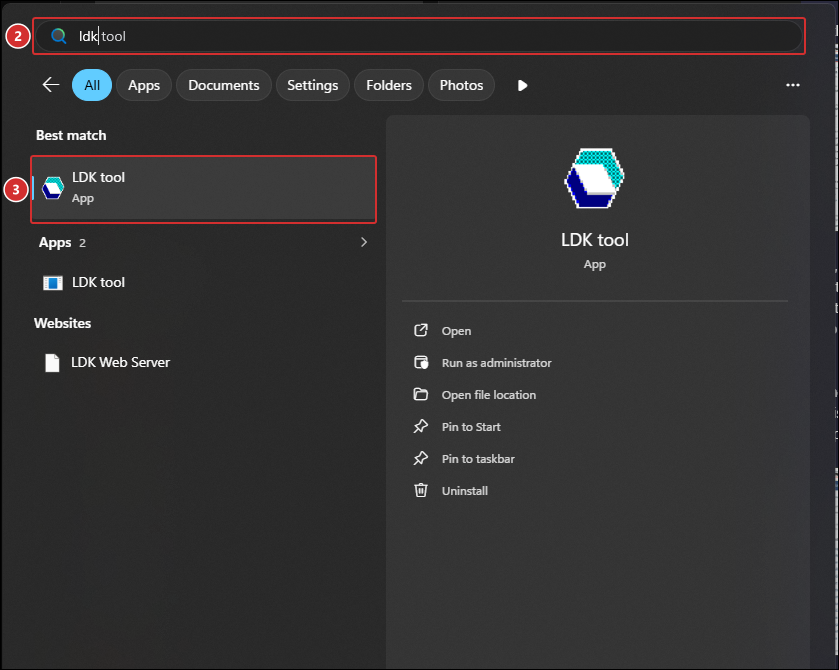
2. In the Search box box, type ldk.
3. Click LDK tool.
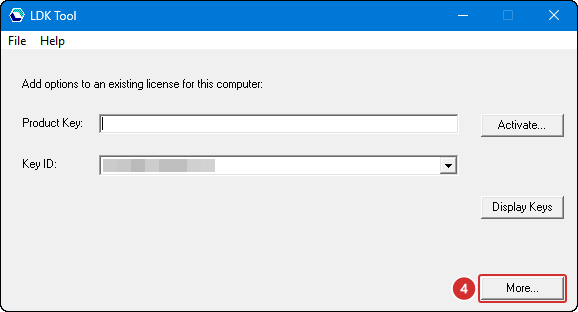
4. Click More.
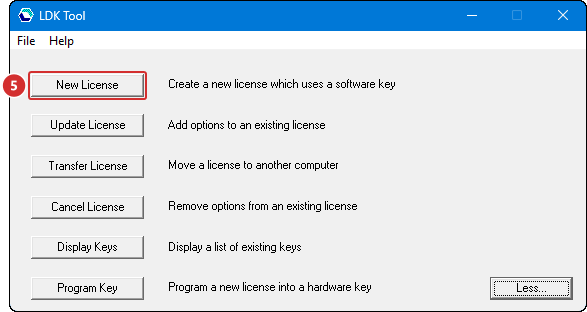
5. Click New License.
6. Click Have internet access.
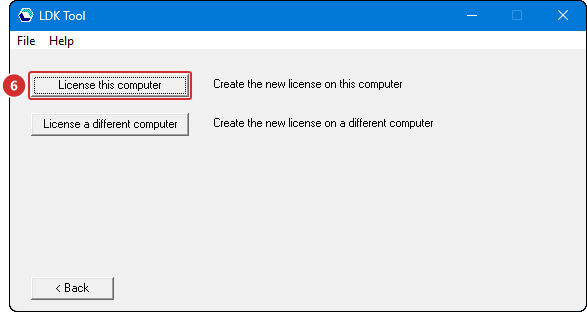
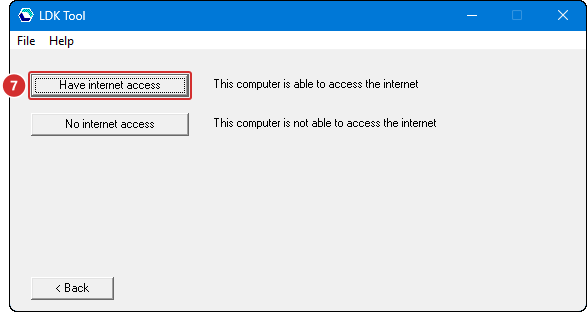
7. Click Have internet access.
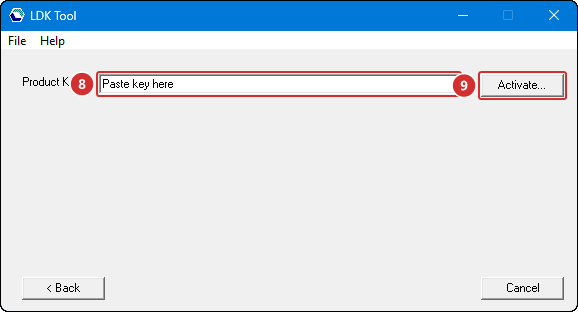
8. In the Product Key box, type Paste key here.
9. Click Activate.